By following these simple instructions you will get a new password to access the higia application, whether you have lost it or it is the first time you are going to access our application for employees
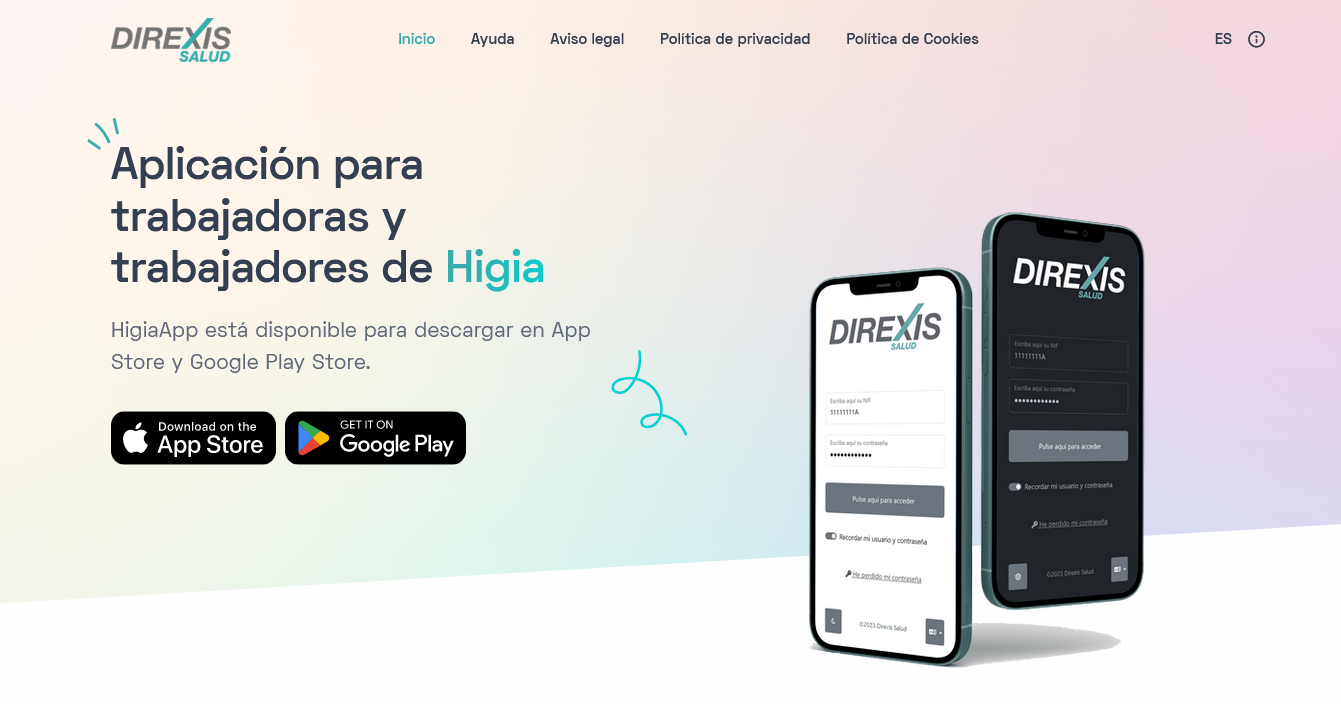
Before performing the password recovery process, make sure you have the latest version of the Higía application installed. To do this, use the methods described in the iOS installation process or Android installation process sections, according to what is appropriate for your device.
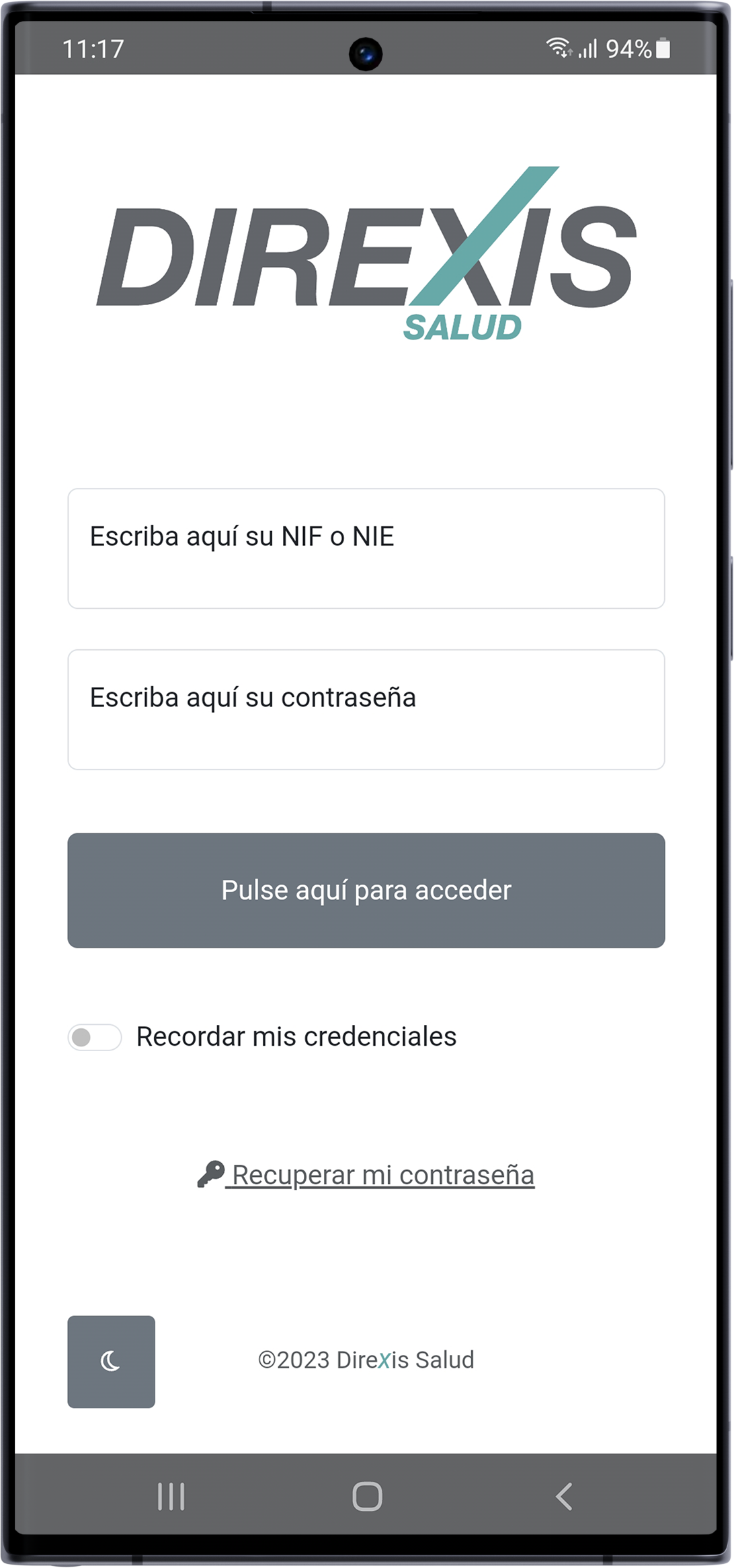
The password recovery process is found on the application's home screen, press the Higía icon on your device to access it.
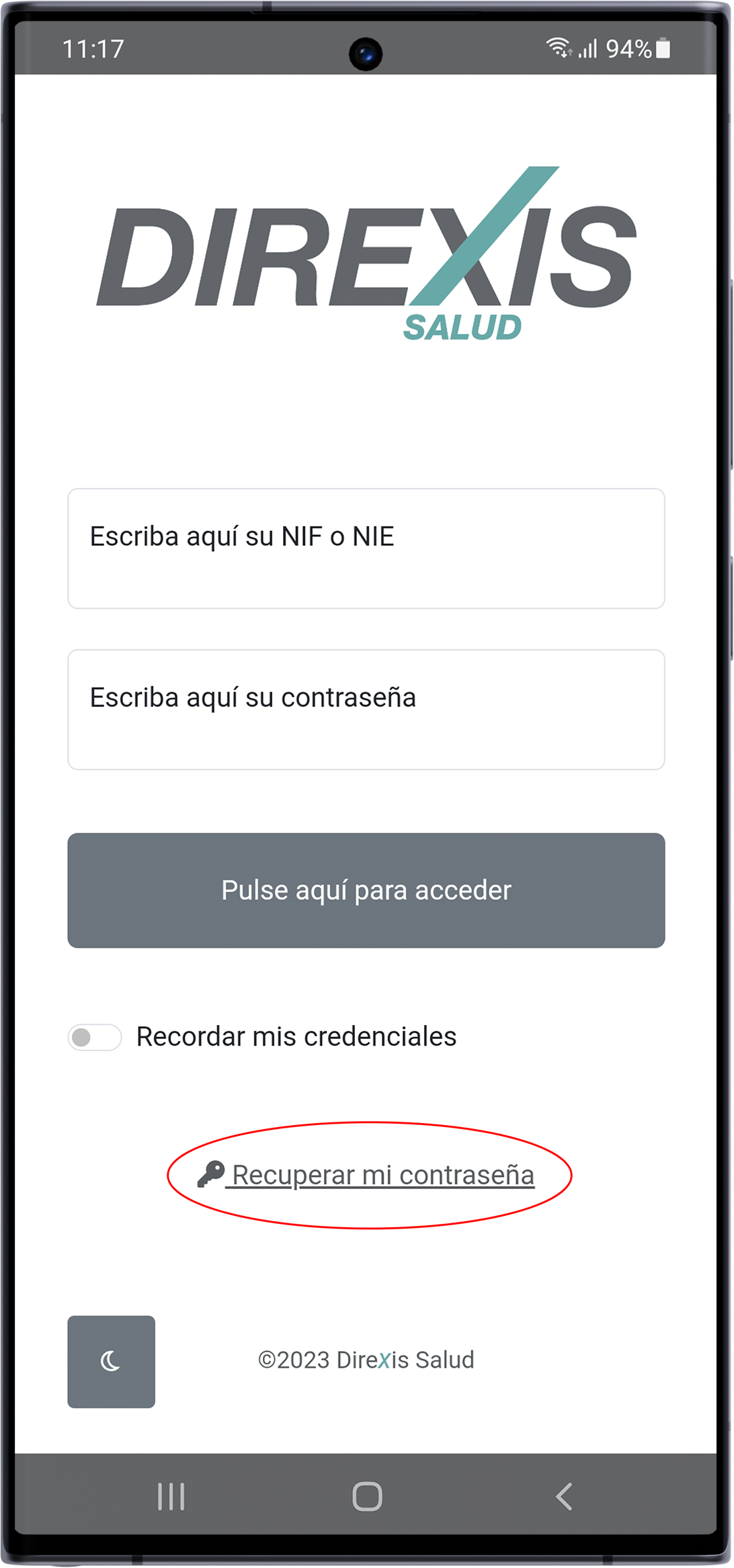
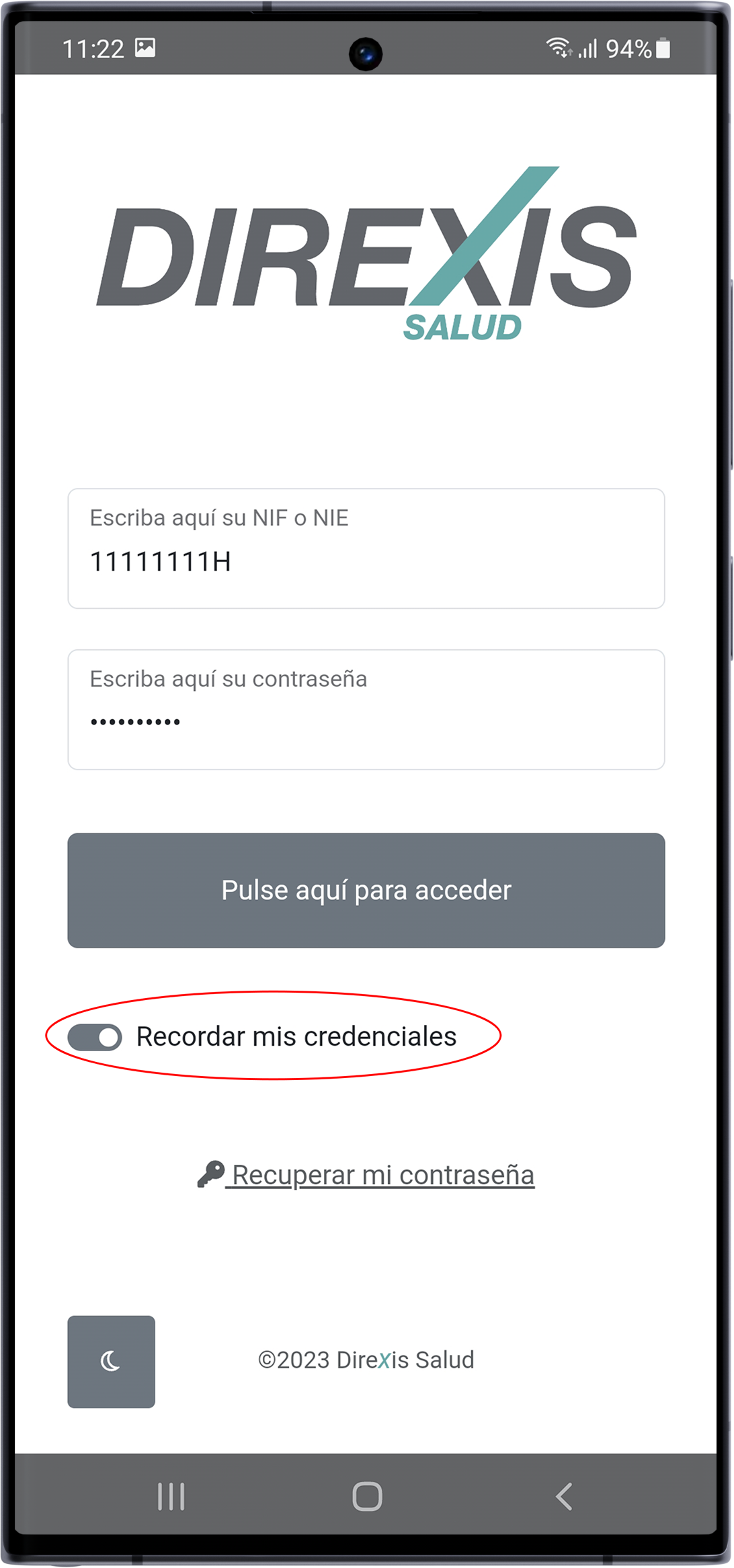
Once on the main screen, press the option I have lost my password located below the selector "Remember my username and password" at the bottom of the screen
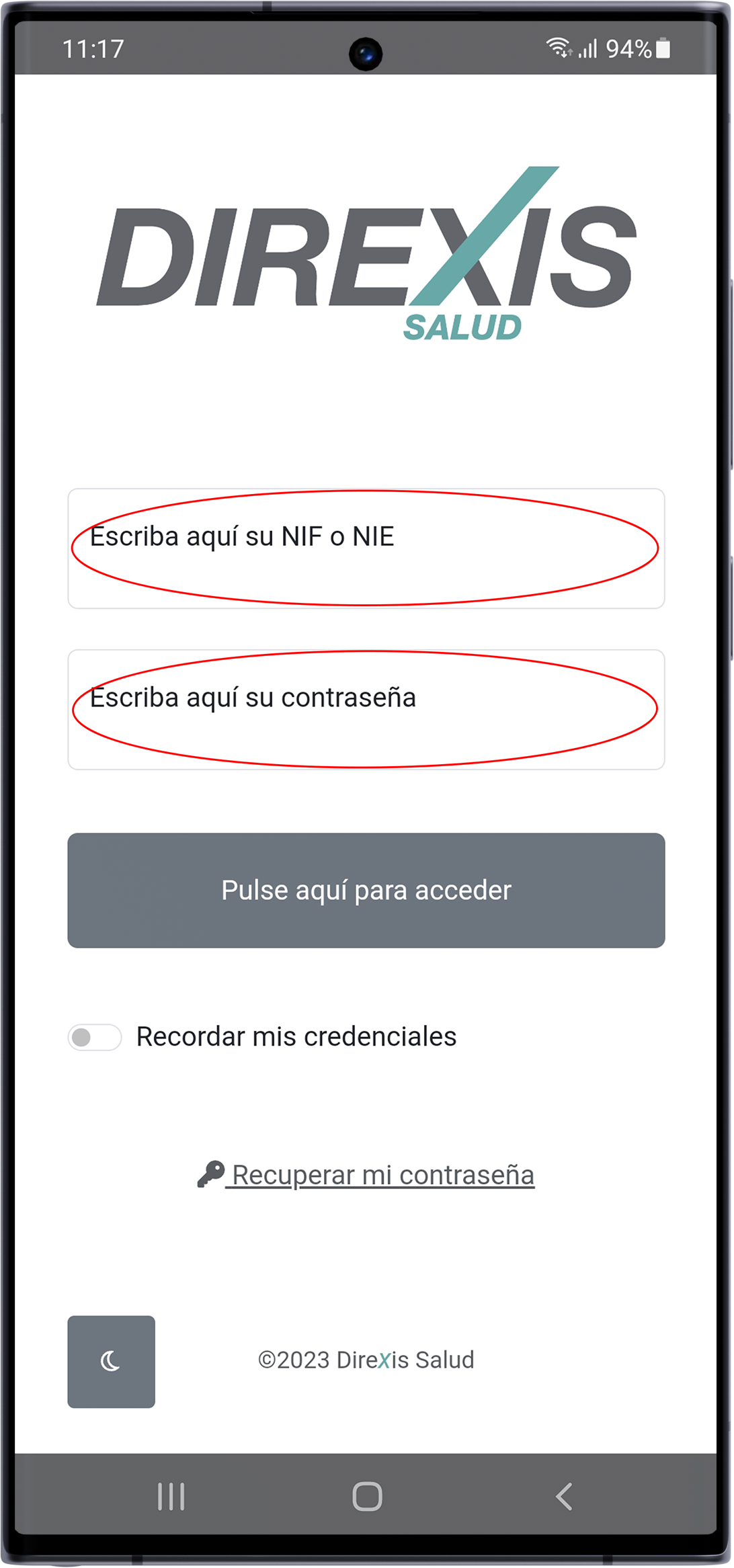
Enter your NIF in the corresponding box. Next, enter your email address in its respective box. Keep in mind that your email address is the one you provided to human resources (the one where you have received payslips so far)
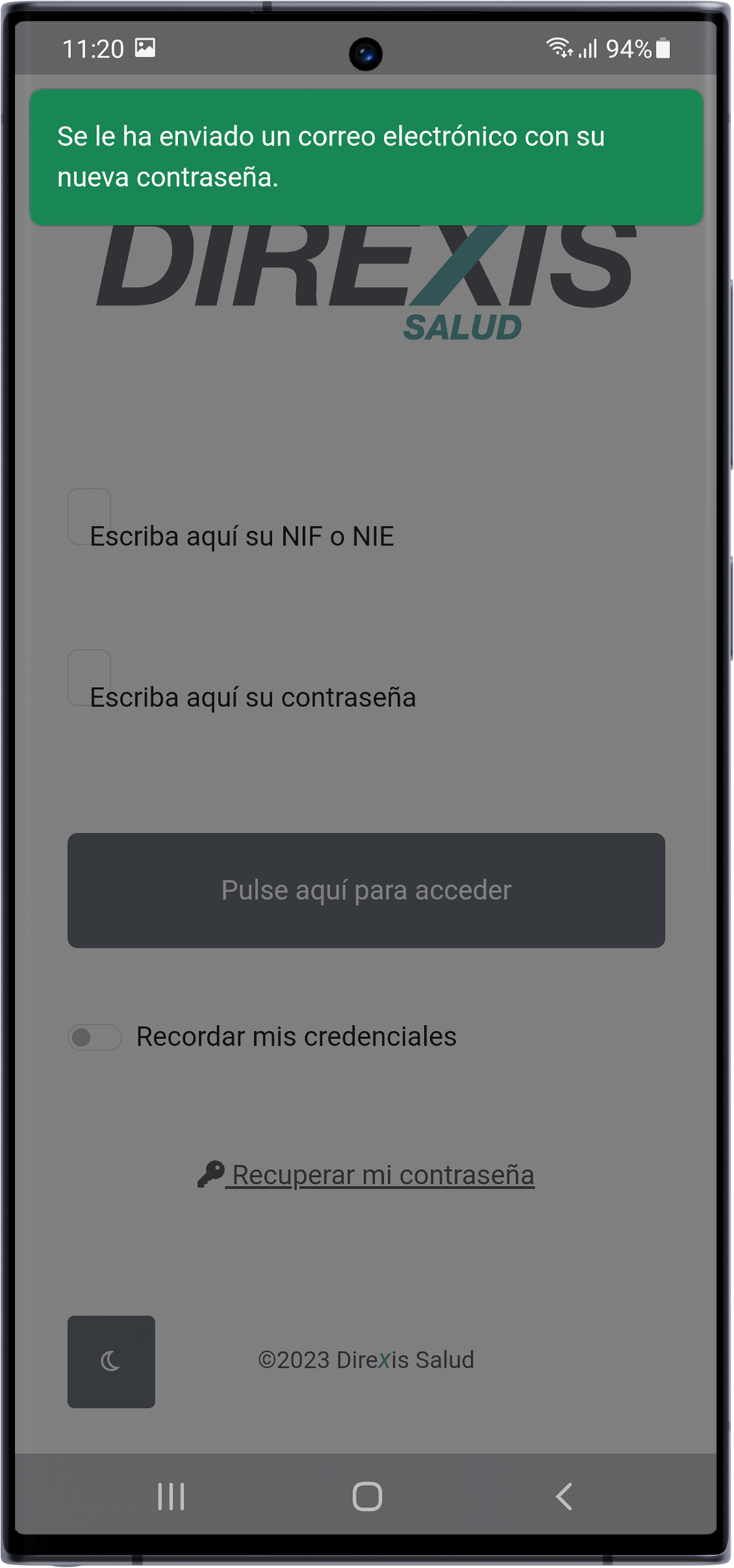
If everything has gone well and a notice appears about the email being sent, the system will send you a new password. If you cannot find it, check the junk mail folder (or Spam).
Return to the application's initial screen and enter your NIF and the new password.
Before accessing, you can use the Remember password selector so that the next time you need to enter, you won't have to enter the password again.
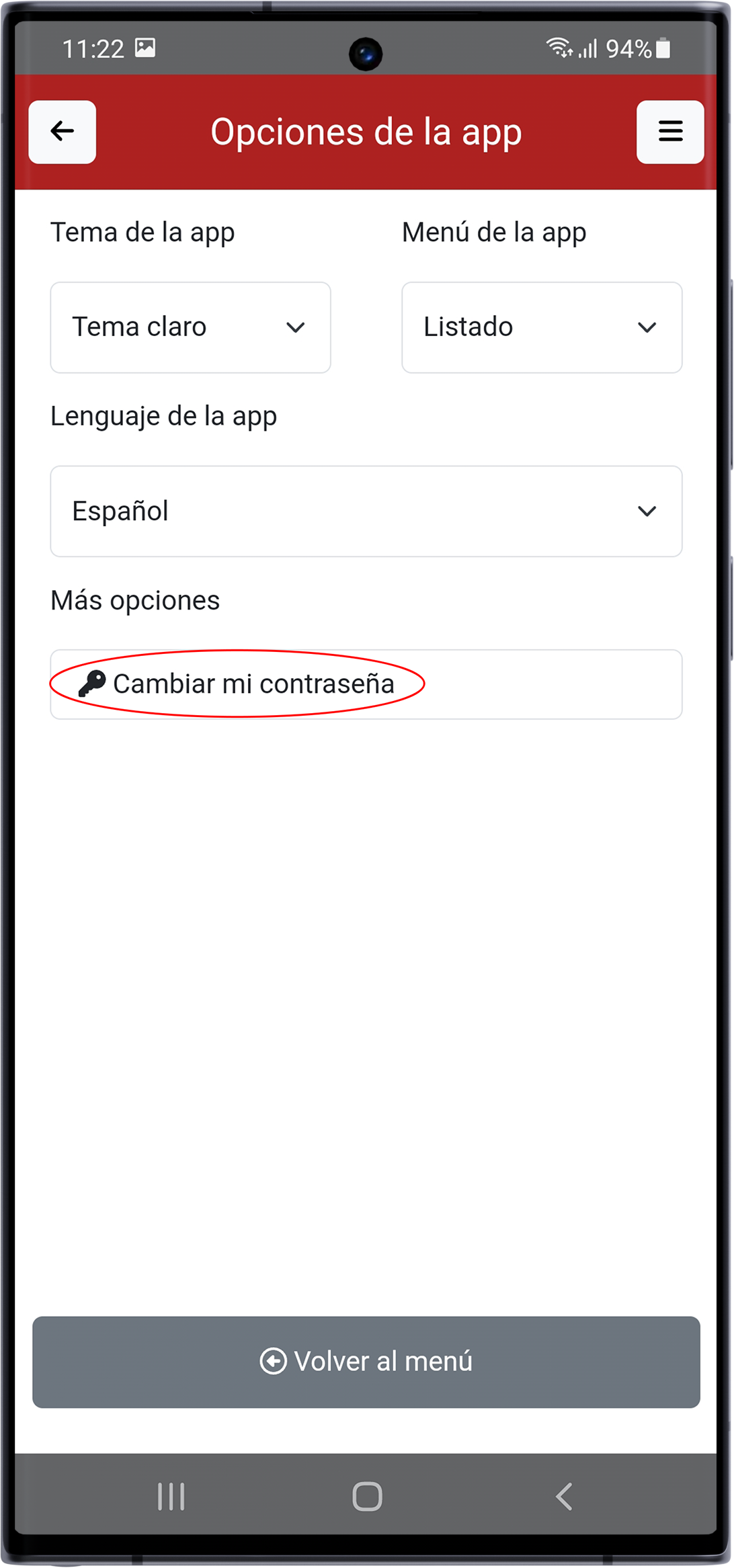
Once inside the application you will be able to change the password to a different one in the User Options section, by clicking on the three bars button in the upper right corner.