Install Higía directly from Apple's official App Store on your iOS device and access all our transportation services safely and easily.
Download Higía from the App Store on your iOS device and enjoy secure, easy access to all our transportation services.
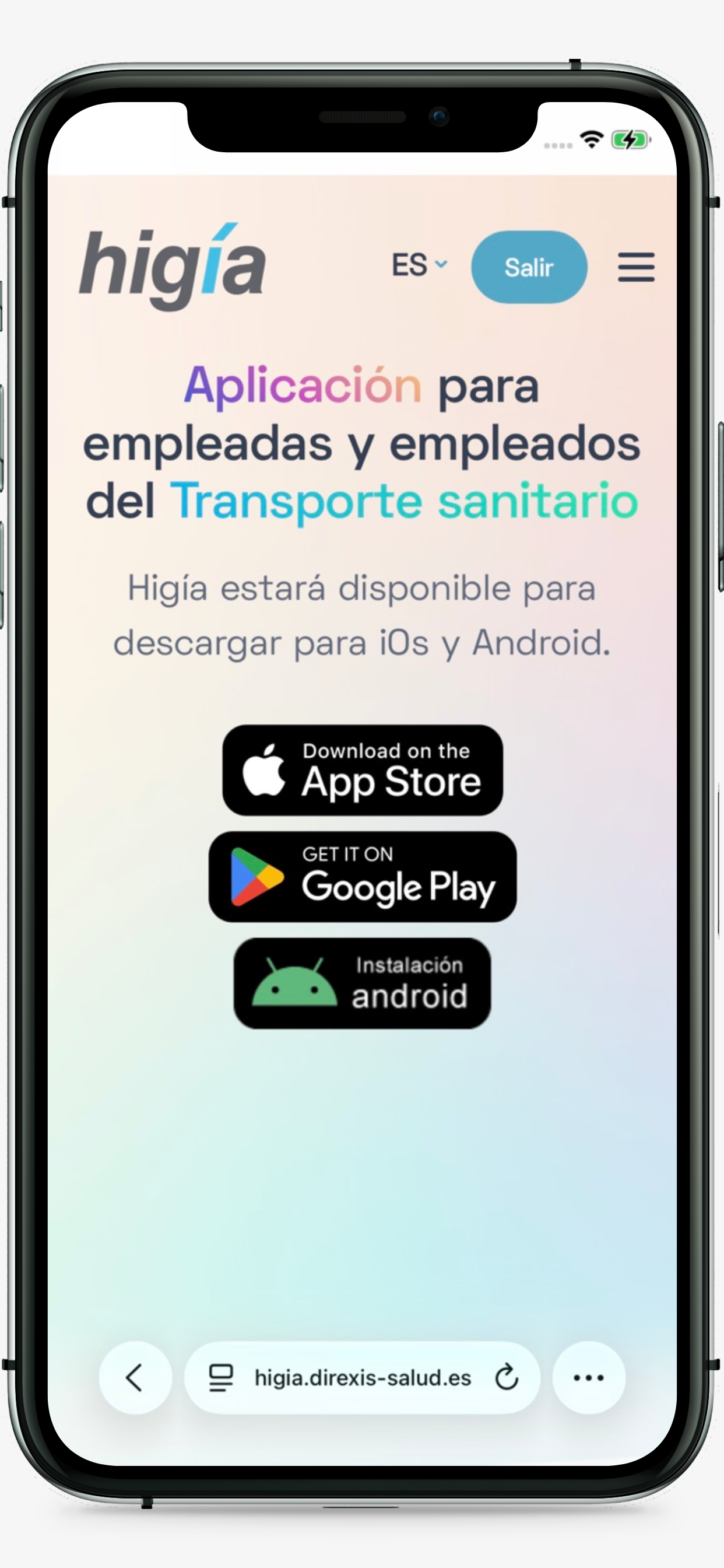
Log in Download unavailableAccess this page with your iOS device using the Safari browser.
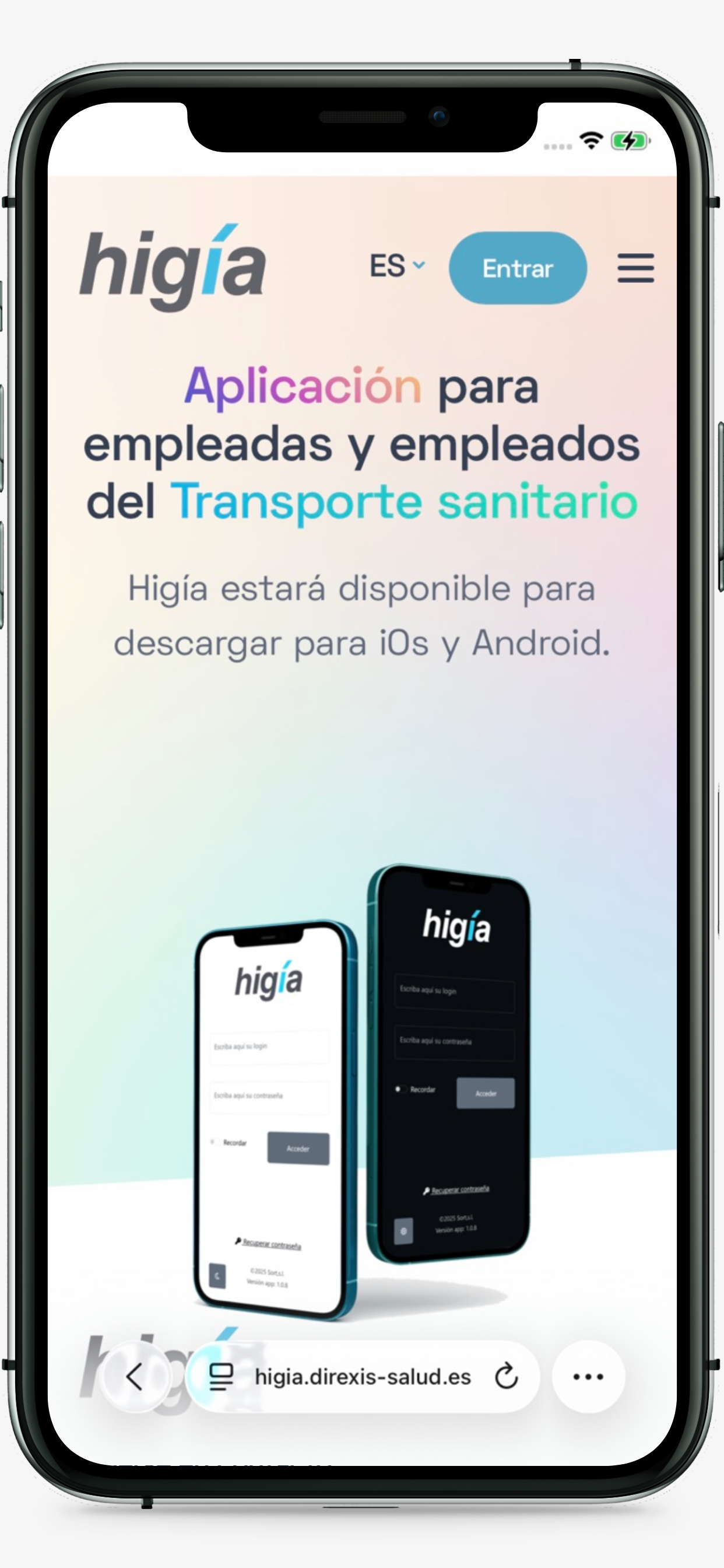
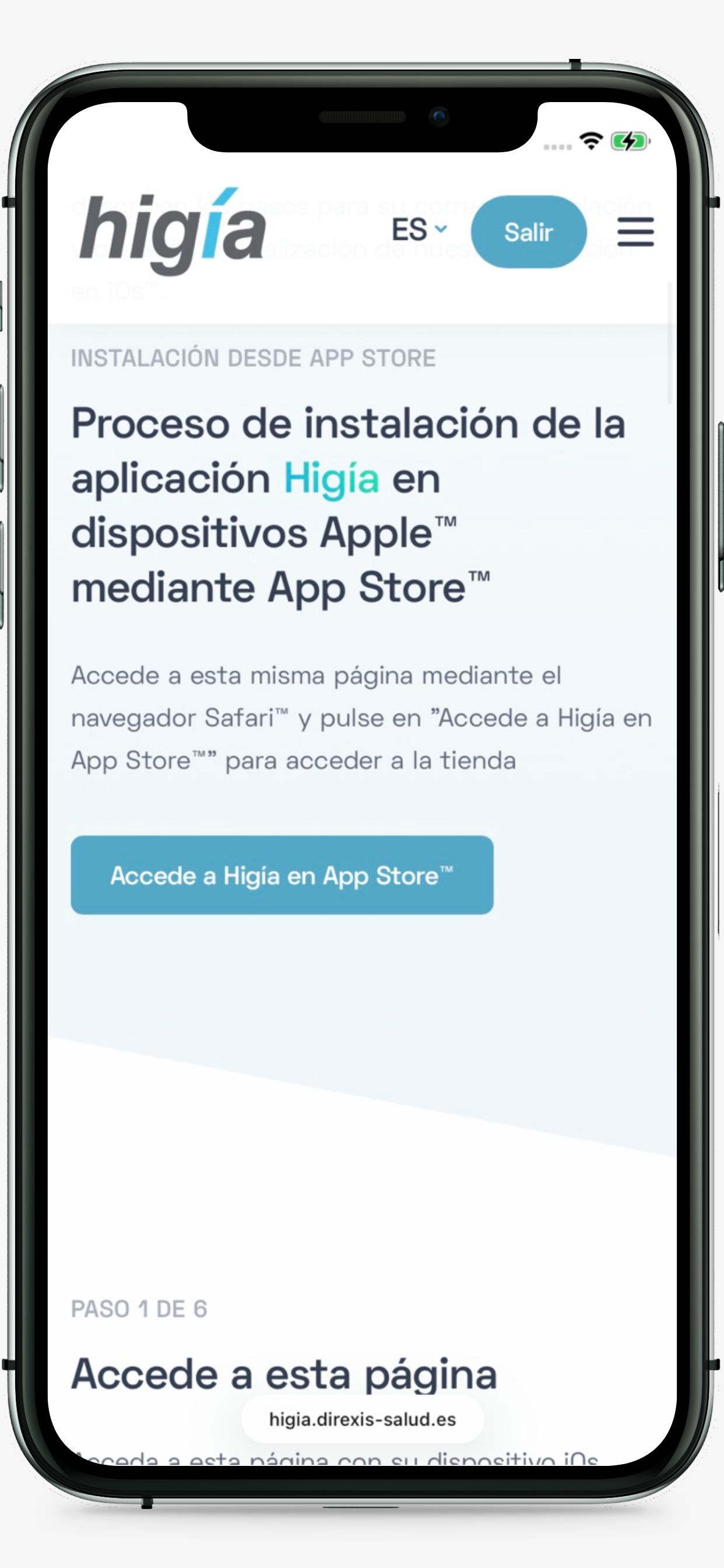
Go to the App Store Installation Help section using the icon with your operating system logo. To view the link to access the App Store, you will need to authenticate on this website.
If you have logged in, the link with the text "Access Higía in the App Store" will appear.
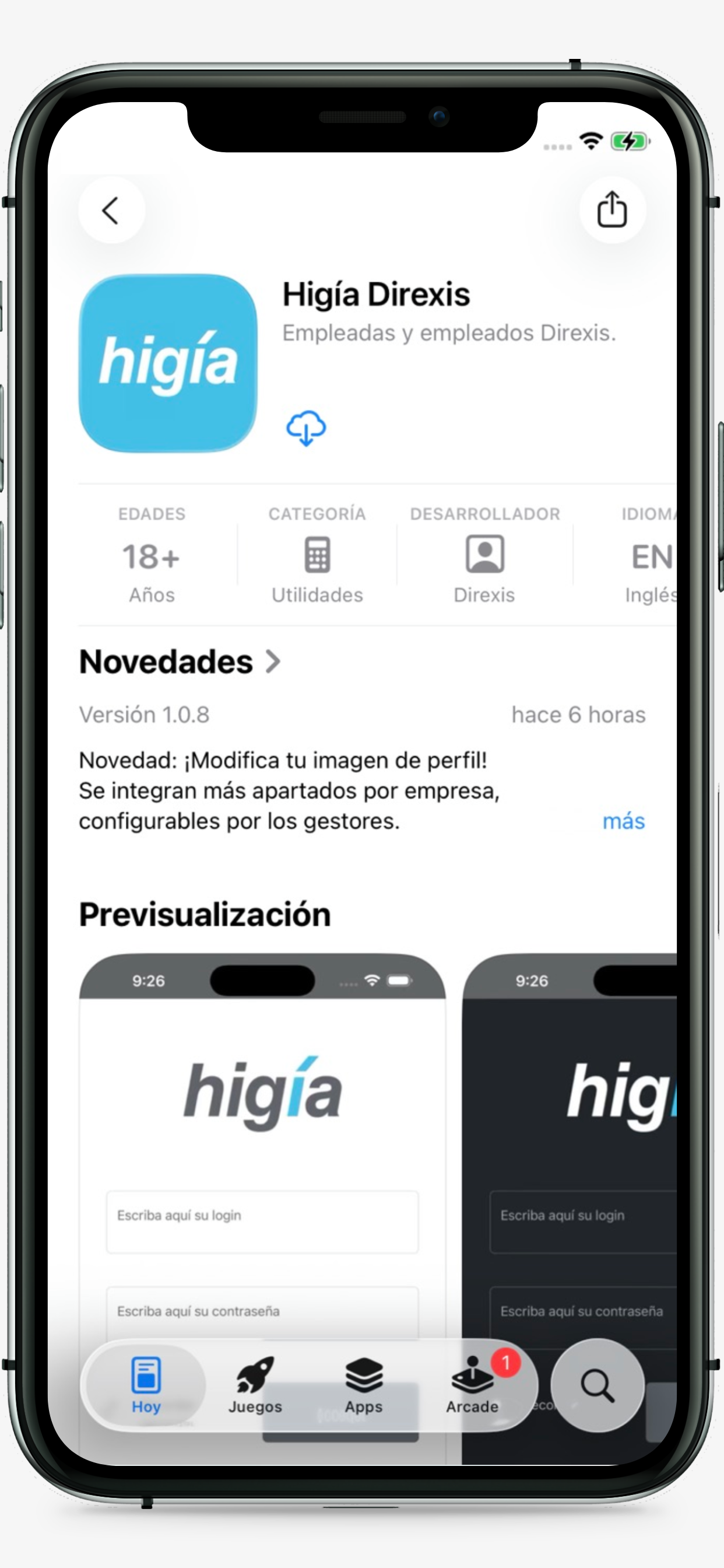
The link will open the store with the Higía app selected. Note that if you want to search for the app directly, it will not appear listed. You can only see Higía by accessing from this link.
Install the App in the usual way by clicking on the "Get" button. If necessary, the iOS system will ask for permission to obtain the application.
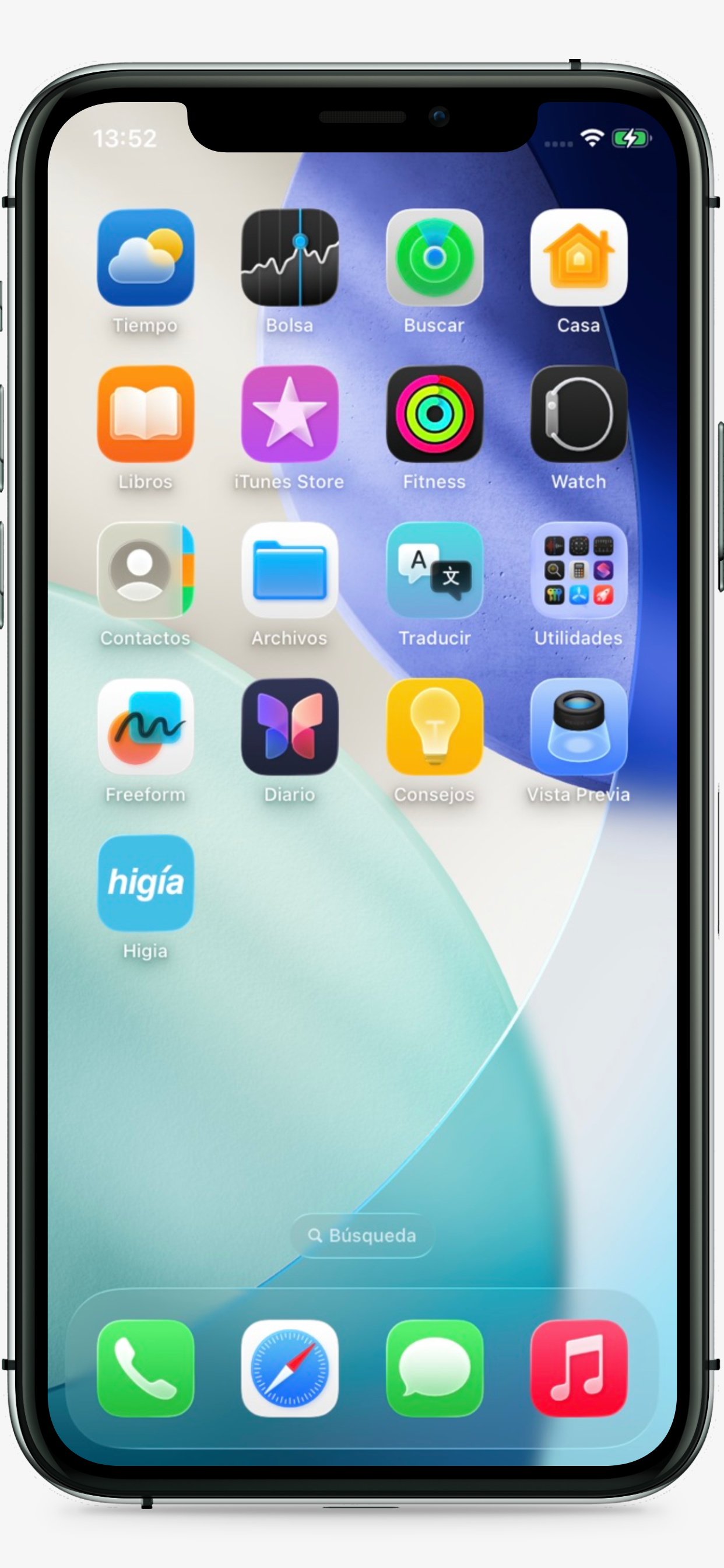
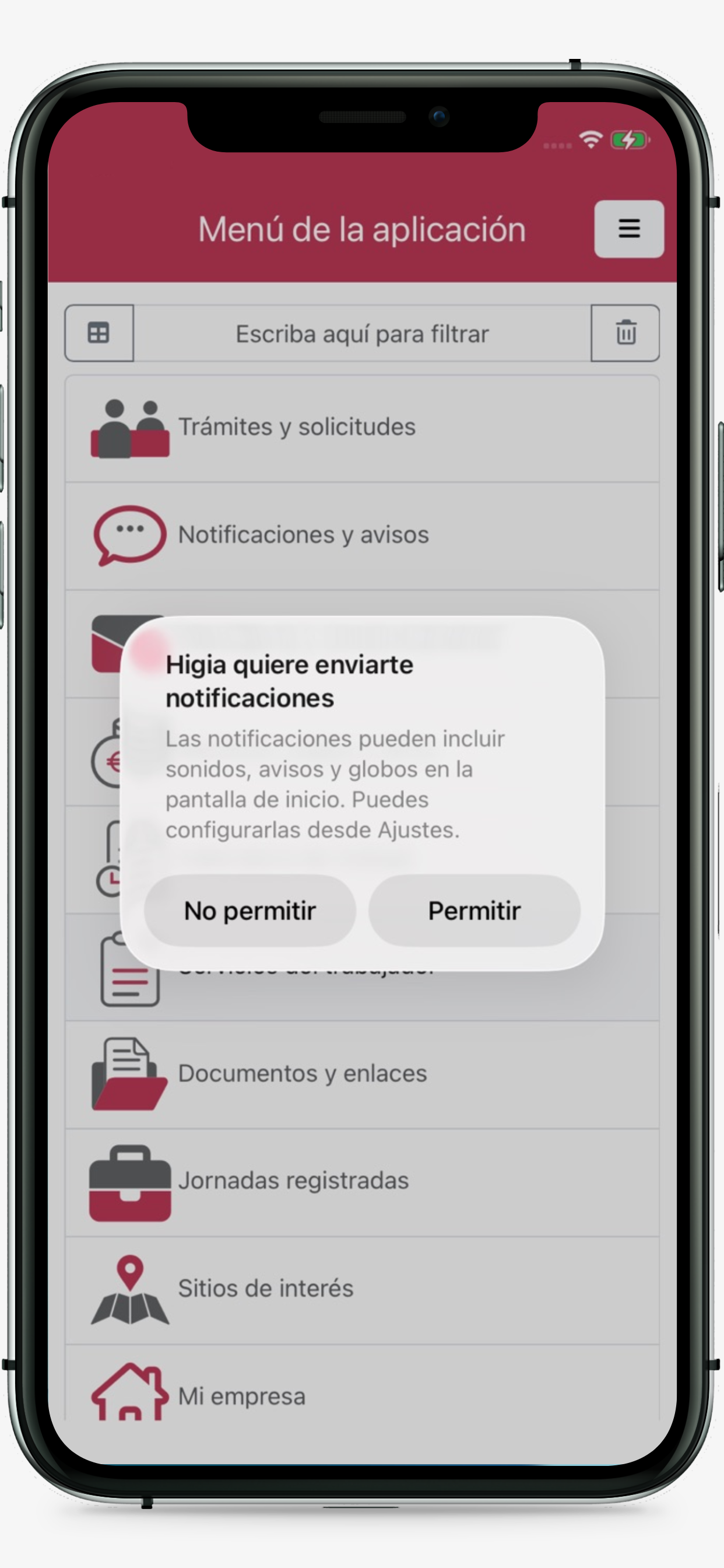
Once installed, when opening the application, permission will be requested to send notifications. It is necessary to accept the permission for the correct functioning of the App.