Download on Android
Take Higía with you everywhere
Download our application on your Android device and access all our transportation services with maximum comfort and security.
Log in Download unavailableDownload our application on your Android device and access all our transportation services with maximum comfort and security.
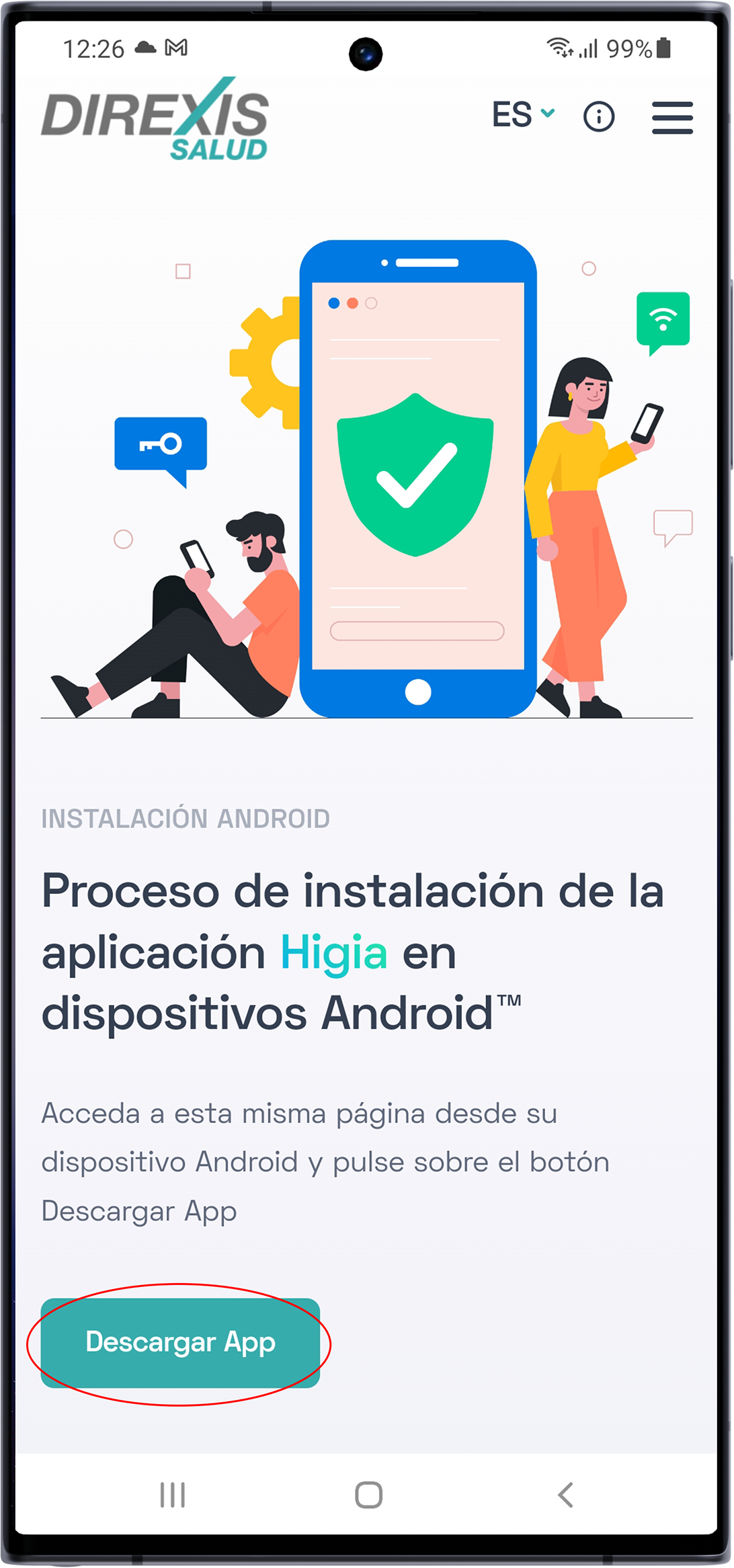
Log in Download unavailableFrom your Android device open this page using a browser and tap the button labeled "Download App" to proceed with installation.
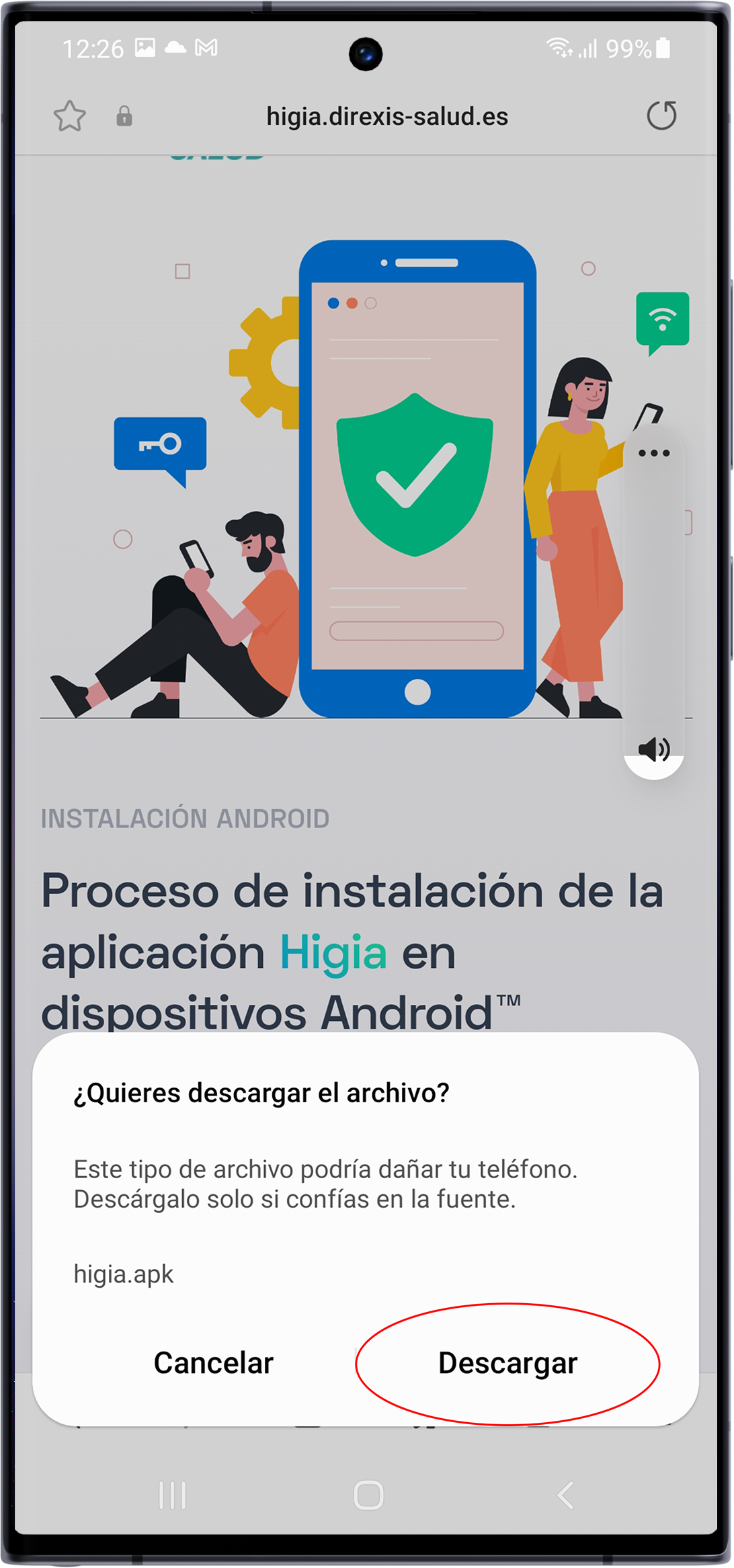
A dialog will appear. Allow the download of the higia.apk file. Once complete it will ask if you want to open the file. Confirm to continue.
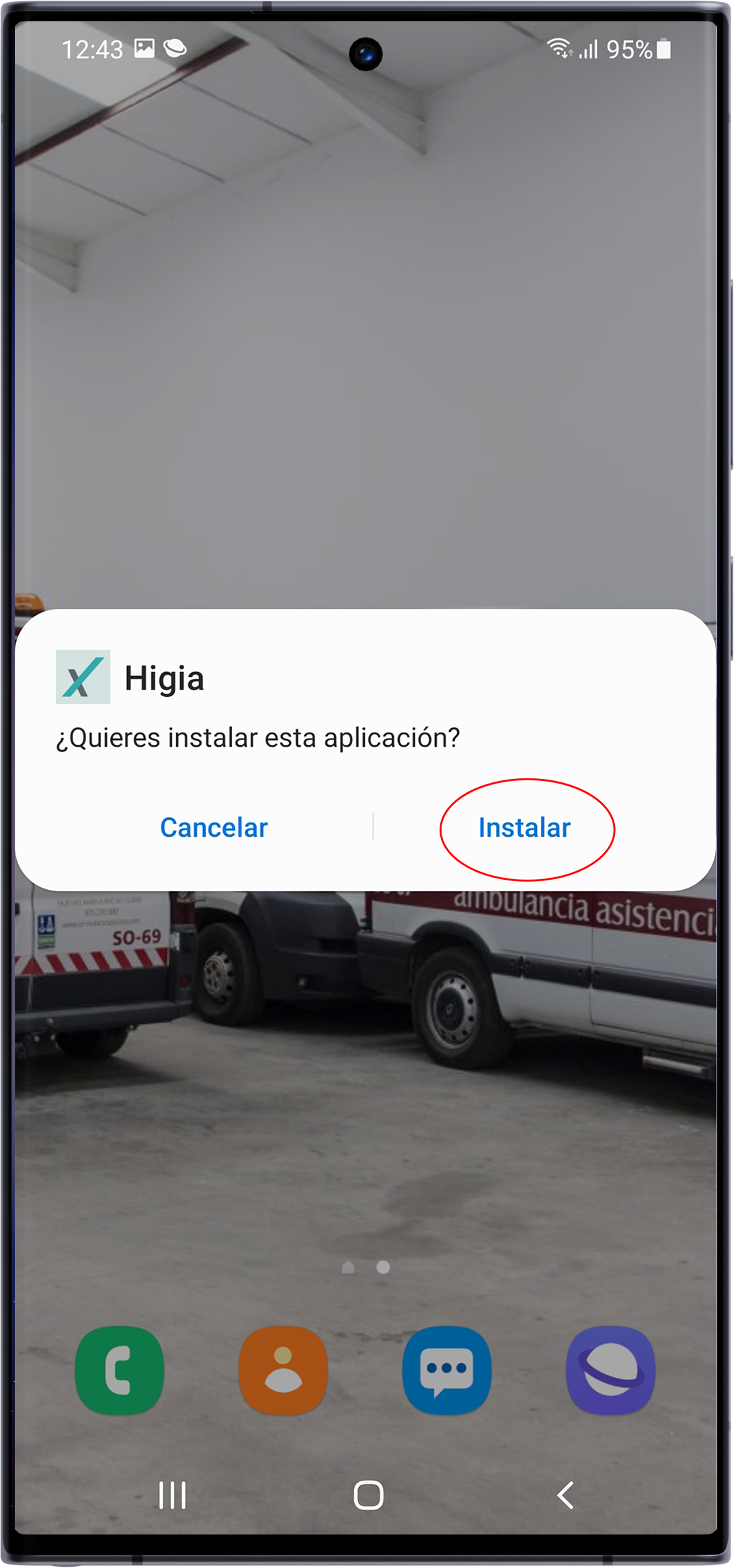
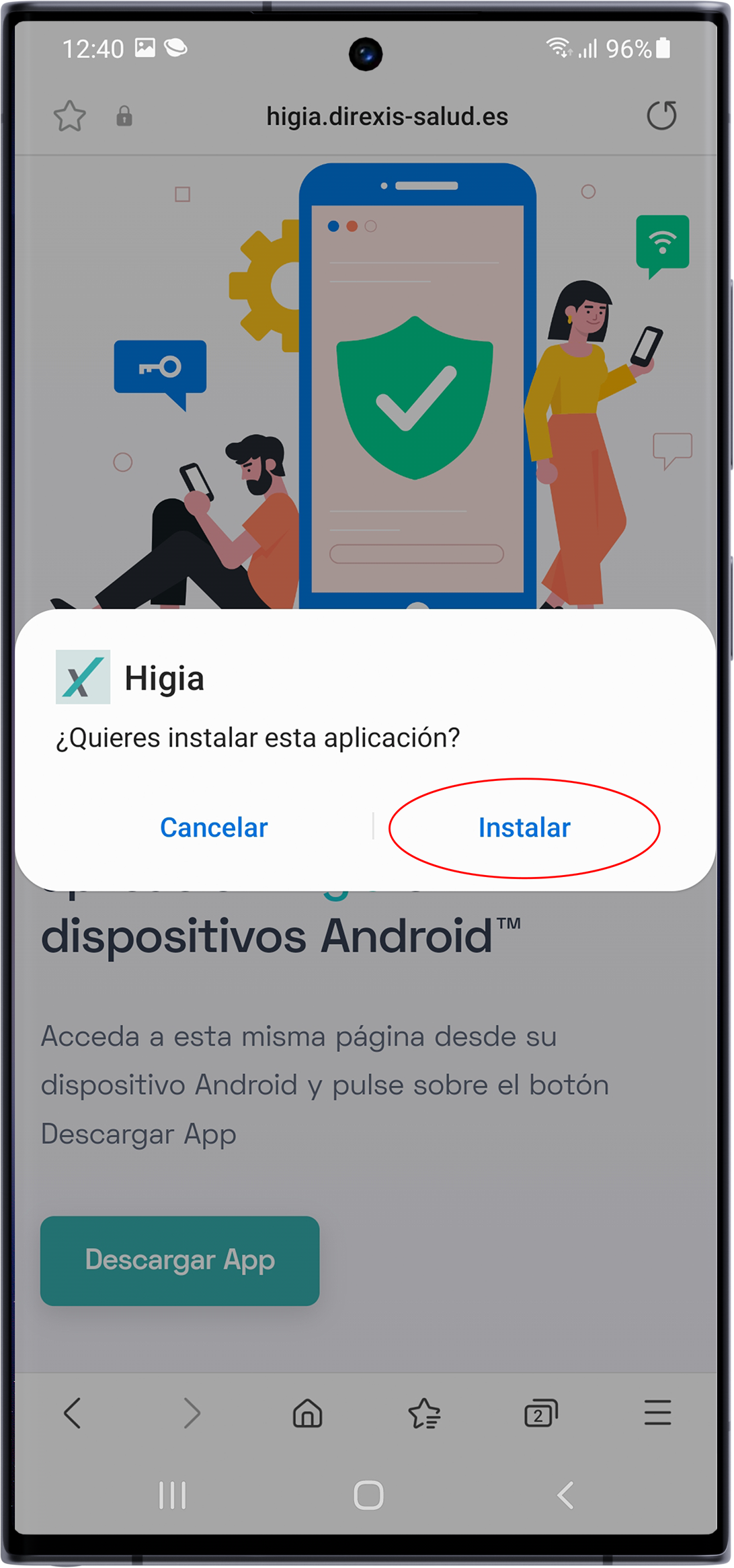
A new prompt appears to proceed with installing the app. Tap "Install". If your device allows installations from outside Google Play, it will finish and you can run the app. If that option is disabled, you must enable it. Continue with the following steps to do so.
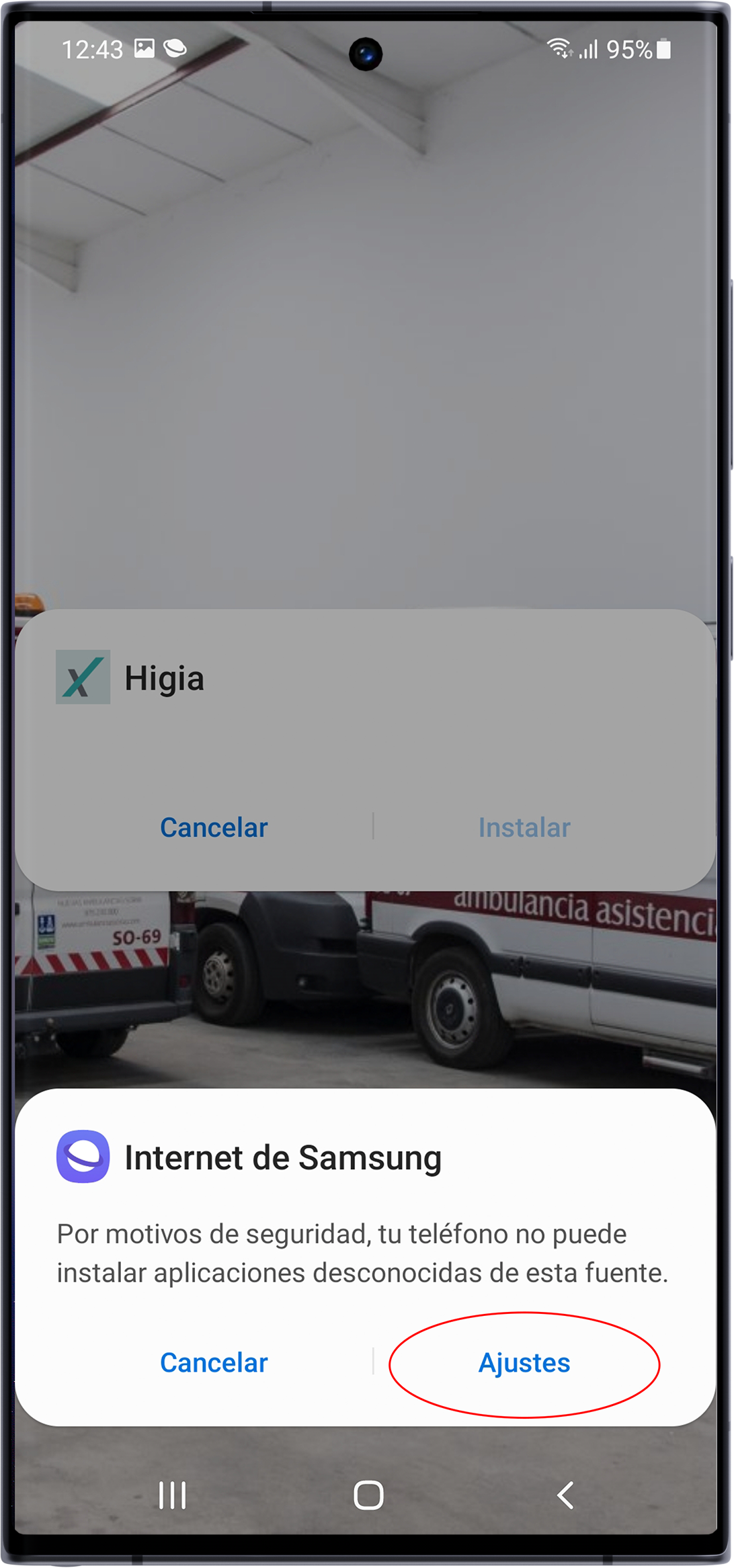
A warning about installing unknown apps appears. If it lets you open Settings, tap it. Otherwise, access the menu on your phone manually.
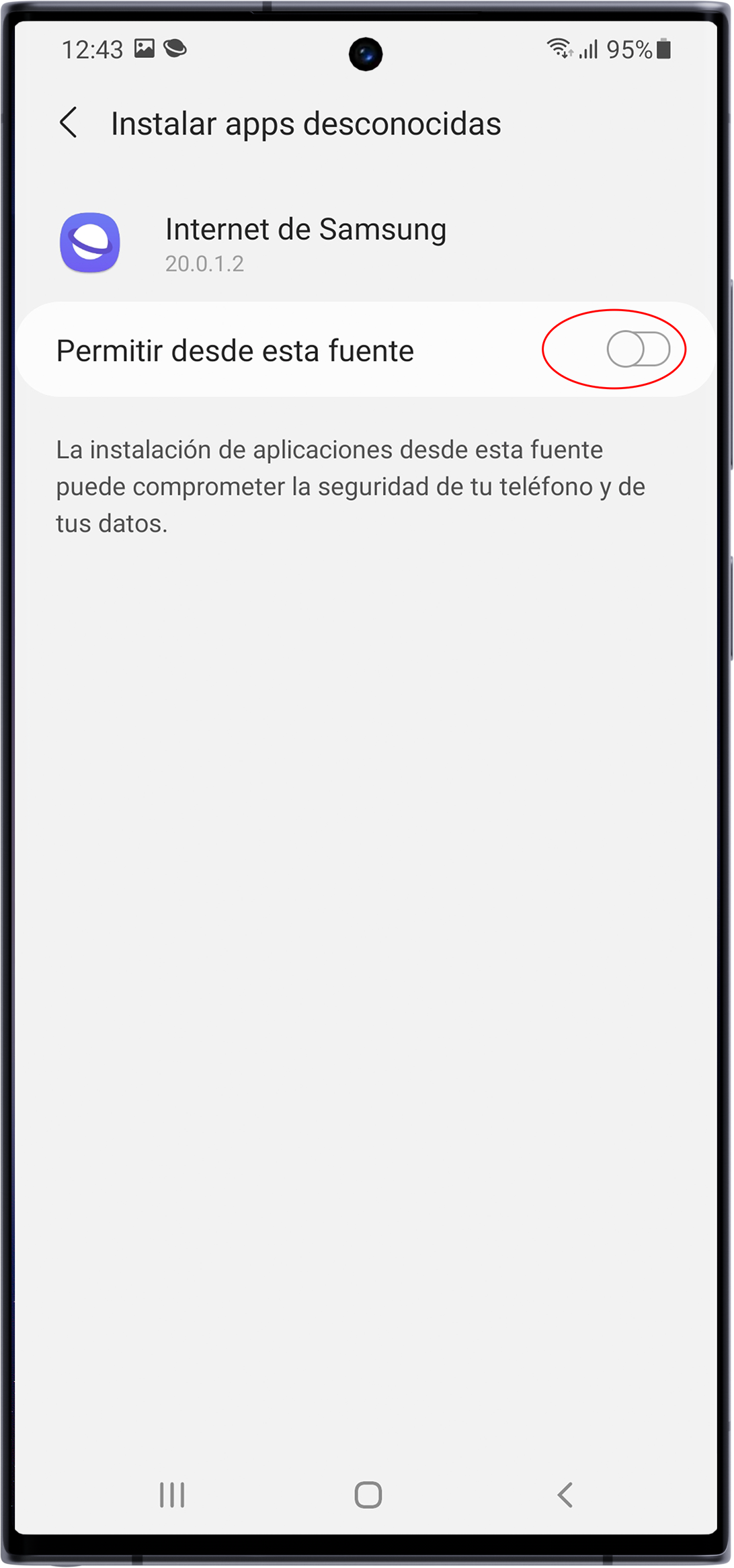
In the indicated section choose where to permit installing the app. If downloaded from the browser enable "allow from this source".
Return to the installation screen and tap Install.