Unsubscribe from the application
Process to unsubscribe from the application Higía
We're sorry you don't want to continue using our app. Nonetheless, we'll tell you how to complete the unsubscribe process.
We're sorry you don't want to continue using our app. Nonetheless, we'll tell you how to complete the unsubscribe process.
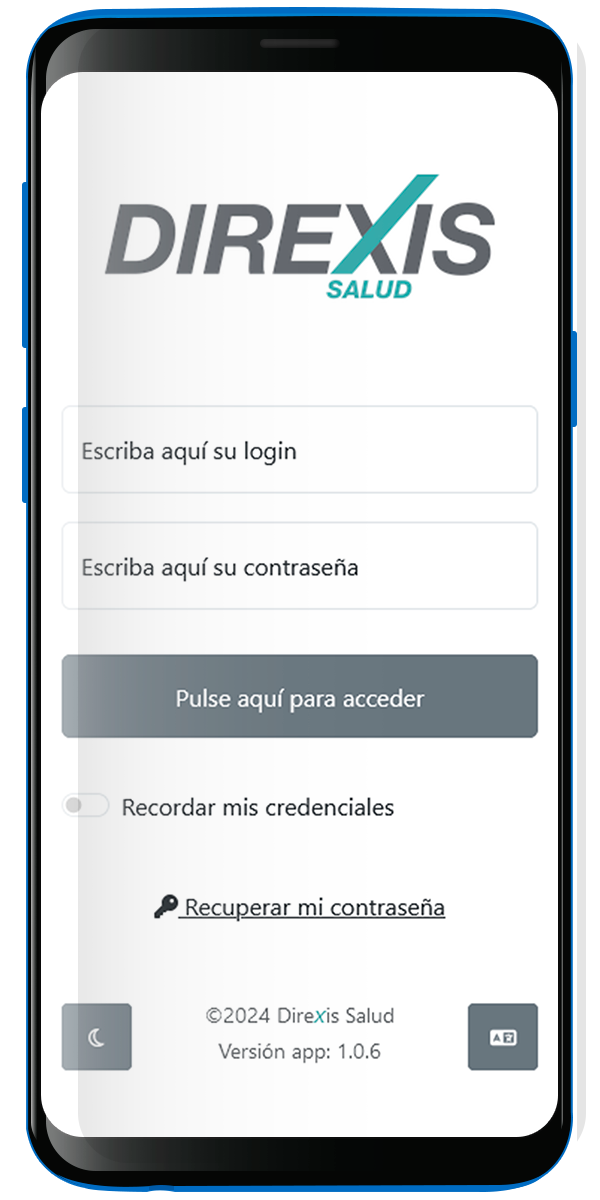
Log in with your username and password to your Higía application
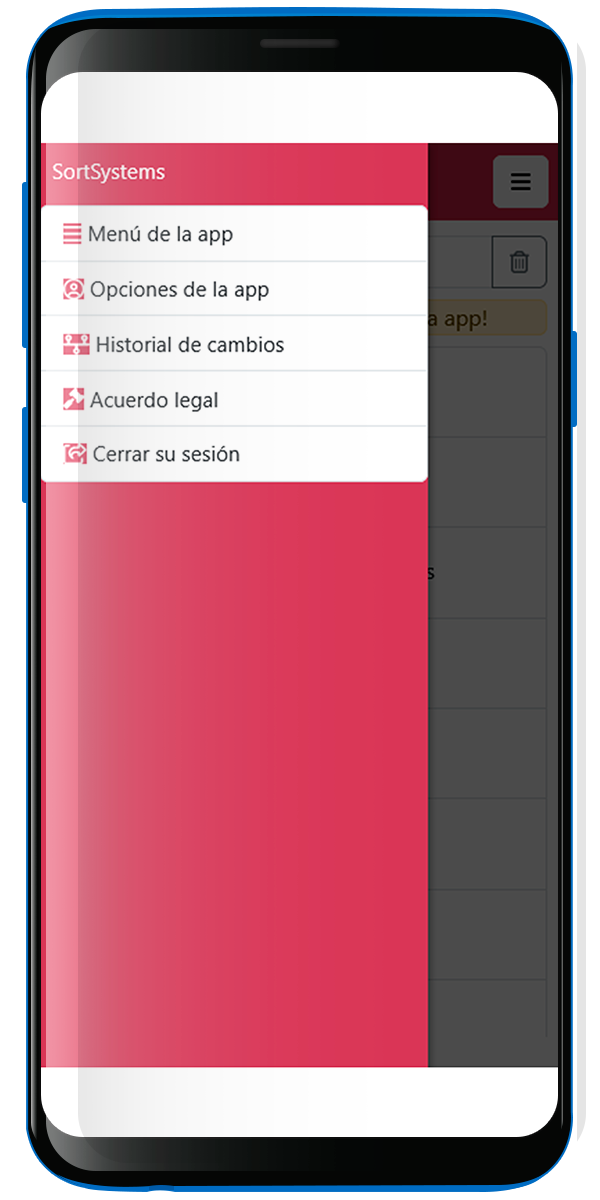
Enter the side menu, the three lines, and go to App Options
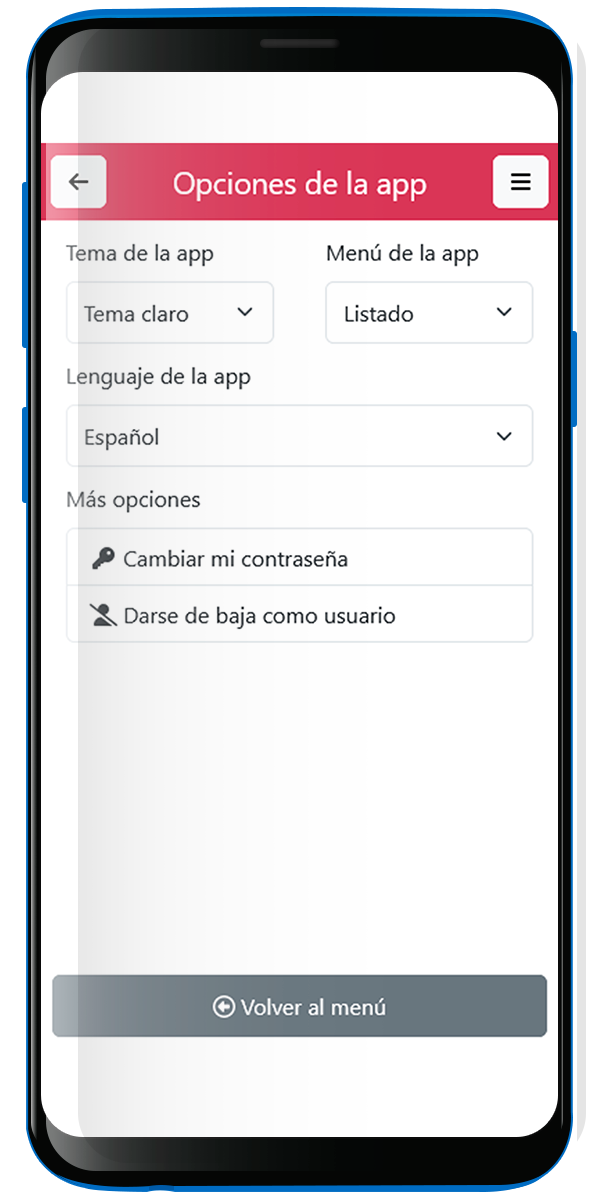
In the App Options you will find the button to unsubscribe as an app user.
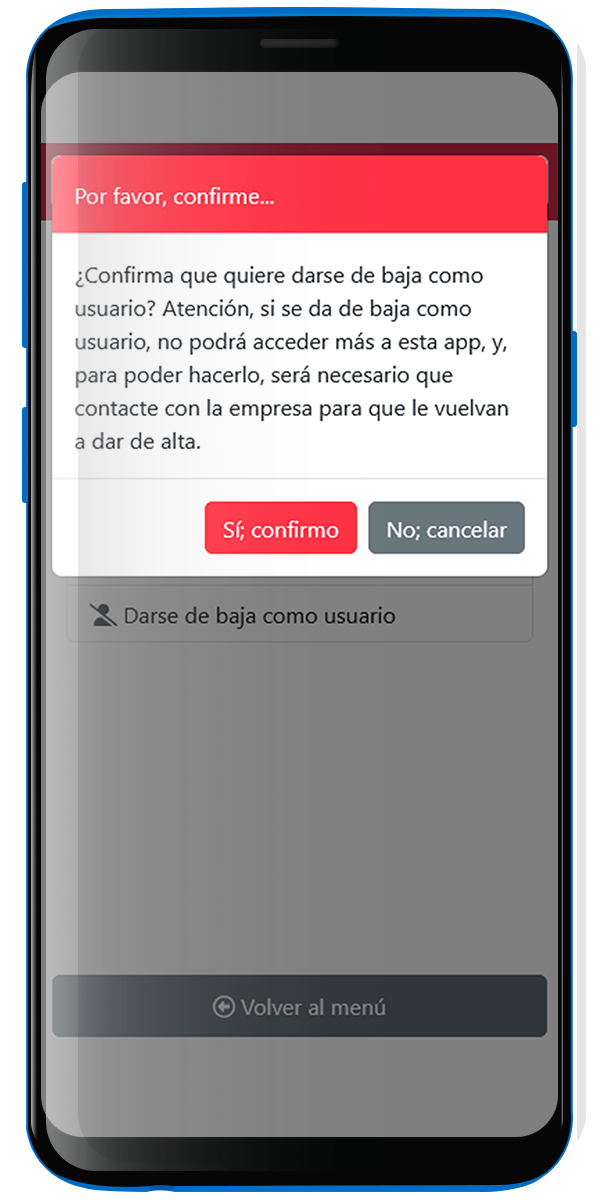
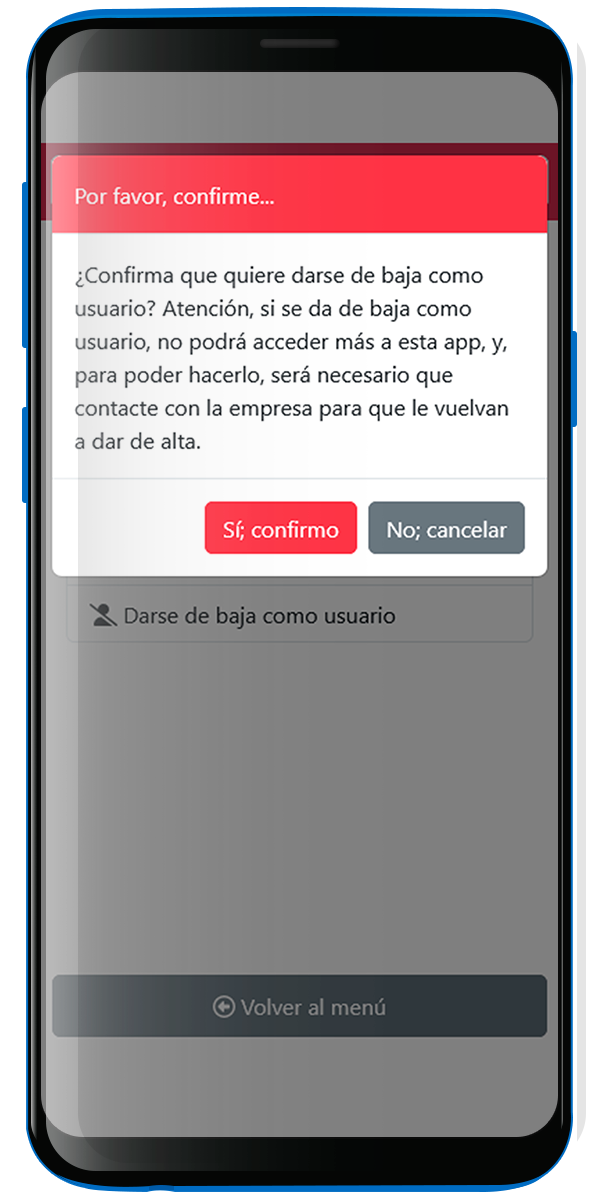
A window will appear to confirm your request. But, do you really want to unsubscribe? Note that you will lose an agile and secure way to view relevant and useful information about your company. If we still haven't convinced you, you can confirm by clicking the button: Yes, I confirm. It saddens us, but we will do it without any problem.
Once the unsubscribe process is completed, you will not be able to access Higía. But you can always come back! Contact the administrator so we can reactivate your account and Welcome you back!